
Admin Scopes
An Admin Scope is a collection of administrators and allows granular permission assignment by segregating different user and admin pools. It's best practice to match admin groups with the support organization in your company:
- If your company has a global or unified Support team, consider creating a helpdesk group with non-invasive support permissions and another admin group with higher privileges.
- If your company has support teams based on their location or division, consider creating an Admin Group, each with non-invasive support permissions and another admin group with higher privileges..
Required Permissions
Admin Scopes are created and managed by EndpointOps Administrators.

Admin Scope Creation
Admin Scopes follow a similar principle to the End User Scopes, but they only support User group membership assignments.
 |
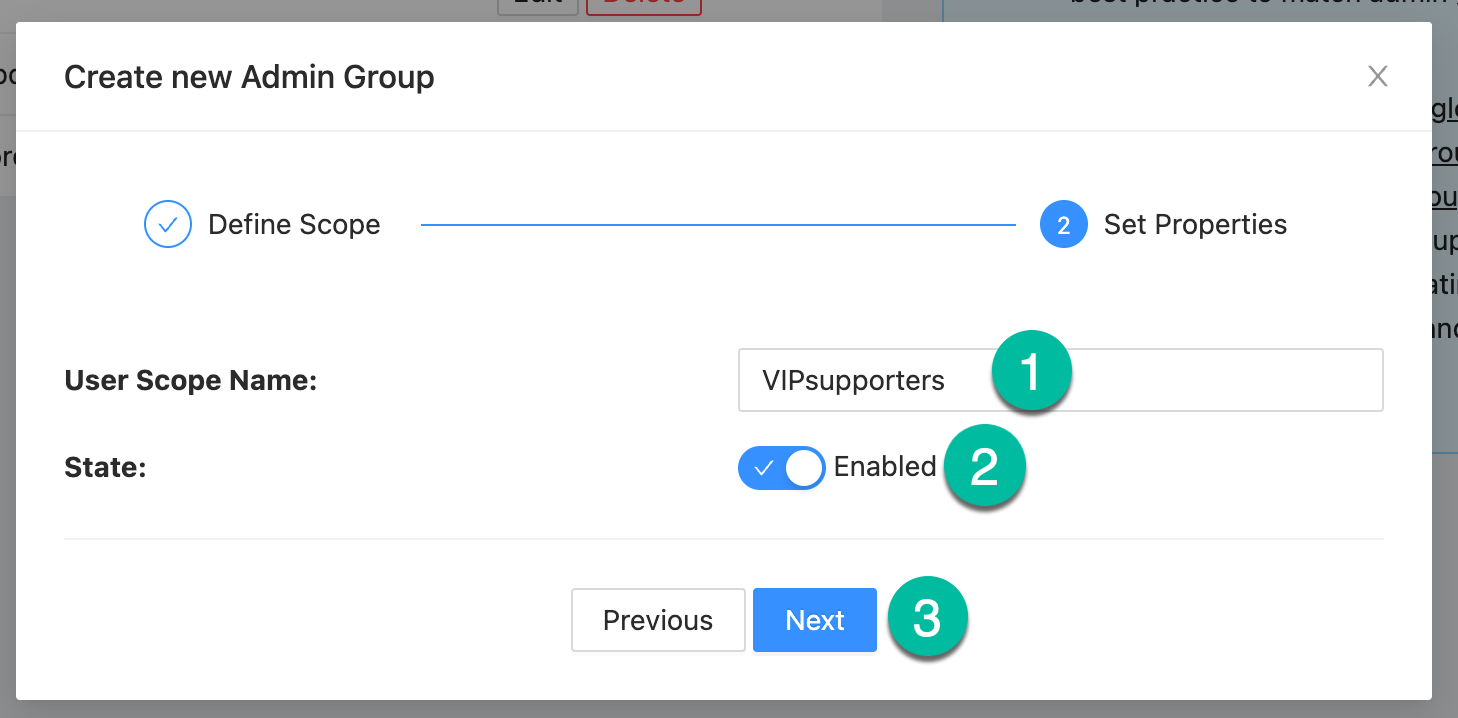
To create a new Admin Scope:
|
|
|
|
Edit or delete Admin Scopes
Admin Scopes can be updated or deleted at any point. Simply use the Edit or Delete button on the respective Admin Scope.
